Your week of meals, all in one place.
Plan a full week of meals, see your calorie and protein totals, and turn your choices into a grocery list. Check what is already in your pantry, then print your plan or take your list to the store.
Free needs no account or card. Pro is USD $4.99/month. Compare plans
Your recipes. Your plans. On your devices.Pro Sync lets you keep separate cloud planning profiles, add your own recipes and import recipe packs. Sign in with the same Google account to open a saved profile on your laptop or phone.
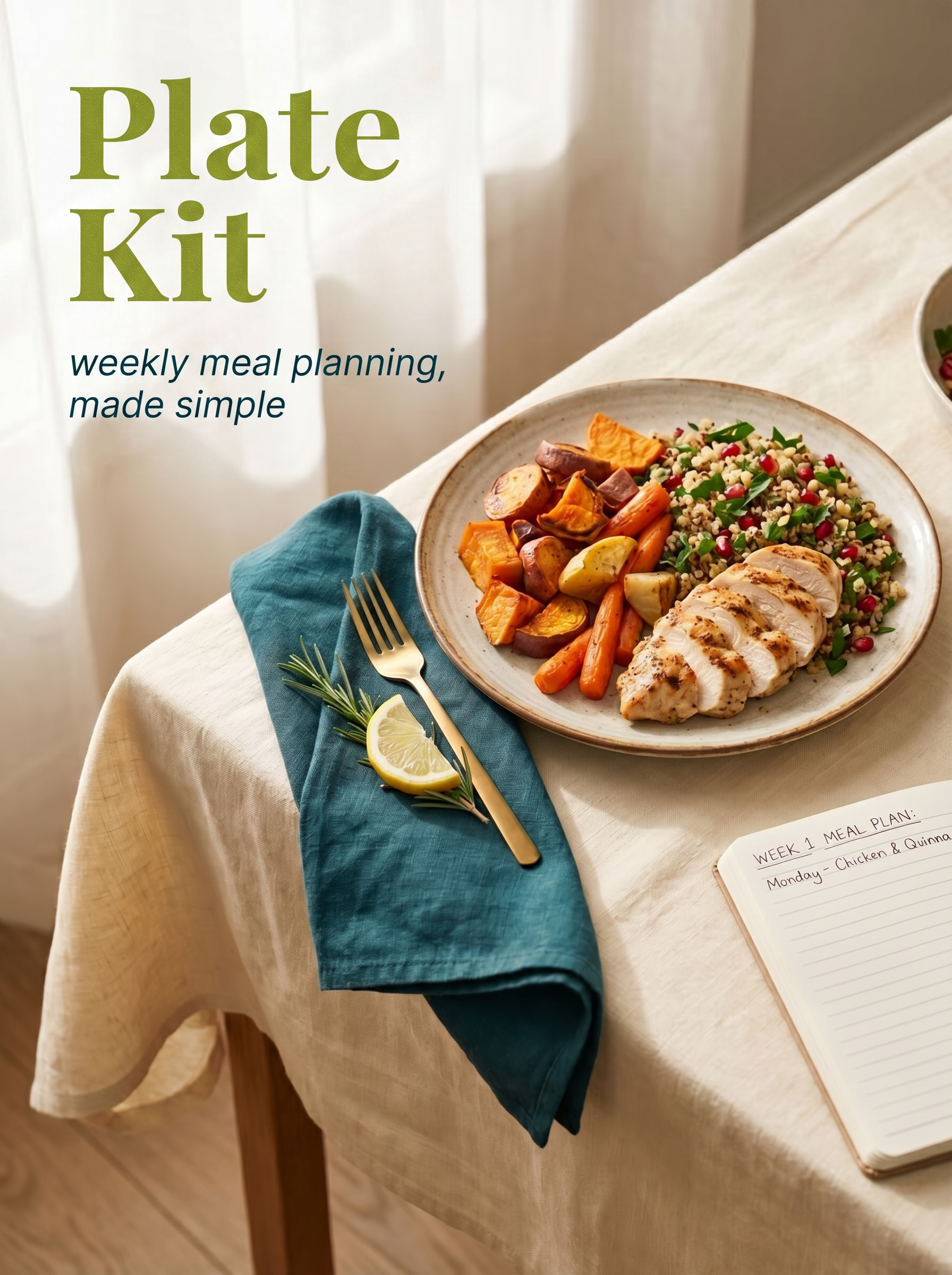
From meal ideas to a ready-to-shop week
See your week take shape
Add meals from the recipe library and compare each day’s calorie and protein totals with the targets you choose. Adjust servings as your week takes shape.
Shop from one clear list
Ingredients from your planned meals come together by grocery aisle. Check your pantry first, then copy or print the list you need for your shop.
Take your plan to the kitchen
Review the example prep routine and labels for your selected meals when it is time to cook. Use your browser’s Print or Save as PDF option for a copy you can keep nearby.
Find meals that fit your preferences
Omnivore Meal Planner
Browse meals across the full recipe library, with meat, seafood, vegetables and grains. The examples show how meals become a shopping list.
Explore a Planning Target
See how a selected example factor changes the number you use for planning. This arithmetic example does not determine your nutritional needs; use your own agreed target in the planner.
Start free. Make it yours with Pro.
Free Planner
For planning this week’s meals and getting your grocery shop ready.
- Plan all seven days with the built-in recipe library
- Filter recipes by dietary preference and compare daily totals
- Combine ingredients into an aisle-grouped grocery list
- Exclude pantry items, then copy or print your shopping list
- Print the example prep guide and your meal labels, or save as PDF
- Your changes save in this browser on this device
No account or payment card required.
PlateKit Pro Sync
For your own recipes and saved plans you can open on your laptop or phone.
- Everything in the Free Planner
- Save and sync cloud profiles across your devices
- Keep separate planning profiles inside your own account
- Build custom recipes with your ingredients and nutrition values
- Import recipe packs into your personal library
- Sign in with the same Google account to open your saved profiles
Monthly subscription through Stripe. Manage or cancel in the app’s billing controls.
Prefer a printable or spreadsheet workbook?
Separate downloadable editions are planned as future one-time purchases. They are not available to buy yet, and they are not included in the Pro Sync subscription.
PDF · printable sheets
Planned reusable planning pages you can print and fill in by hand. A template for paper planning, without the app’s live calculations or cloud sync.
Excel · an editable workbook
A planned spreadsheet file for working in Excel, including offline editing and meal-planning calculations.
Google Sheets · your own Drive copy
A planned editable spreadsheet you keep in your Google Drive and use in Google Sheets. Separate from PlateKit’s browser app and cloud profiles.
Need a printout now? The free web planner already lets you print your current plan, grocery list, prep agenda and labels, or save them as PDF. Those printouts are different from the future reusable workbook templates.
A few useful answers before you start
Can I plan a whole week without paying or signing in?
Yes. The Free Planner includes all seven days, the built-in recipe library, daily totals, grocery lists, pantry checks and printable prep pages. Your changes save in the browser you are using. You need a Google account and a Pro Sync subscription for cloud profiles, custom recipes and imports.
How do I use my saved plan on another device?
With Pro Sync, sign in with the same Google account on both devices and open the same cloud profile. Check that your changes have synced before leaving the first device. A plan saved only on this device stays in this browser; clearing browser data removes that local save.
Are profiles shared with other people?
Profiles are separate planning workspaces inside your own account. You can keep different meal plans and preferences apart and open them on your devices. They do not provide shared editing between different accounts or a coach’s workspace.
How does the Pro subscription work, and how do I cancel?
Pro Sync costs USD $4.99/month and renews monthly until canceled. Sign in to the web app and continue to Stripe to review the payment details. Checkout shows PlateKit Pro Sync and Kenneth Crook as the merchant. Use the app’s account billing controls to manage your subscription or cancel; Stripe shows your billing dates and cancellation options.
Can I buy a PDF, Excel or Google Sheets edition now?
Those separate workbook editions are still planned and cannot be purchased yet. Pro Sync is the monthly subscription for the browser app’s cloud and recipe features. For a copy of your current plan today, use Print or Save as PDF in the free planner.
Where are my plans and payment details kept?
Device saves stay in your browser. Cloud profiles are tied to the Google account you sign in with, and Stripe handles subscription payments. On a shared device, sign out when finished and remember that a local browser save may remain on that device.
Does PlateKit choose my nutrition targets for me?
You choose your targets. Recipe nutrition and the example calculator help you organize and compare meals; they do not determine your individual dietary needs. Use your own agreed targets when planning.
Have a product or account question? Contact hello@platekit.app.